

You’ve got a wonderful trip planned to a new country, bags are packed, itinerary is set, and flights are booked. But, then it hits you, your phone plan won’t work or charge a small fortune in roaming fees 💸. Suddenly, you’re stressing out about how you’ll navigate around or let people know you’re okay.
Luckily, there’s an easy solution. Holafly offers unlimited data eSIMS that let you stay connected while you’re abroad, with no physical sim cards and no hidden costs.
Quick disclosure: This post is sponsored by Holafly but all thoughts are my own. I’ve used a number of eSIMs over the years and I rely on them when traveling internationally.
Holafly reached out to me to write about my experience using their eSIM. I was able to get one on my trip to Morocco and I’m sharing exactly how it works, what to expect, and why eSIMS are one of the best ways to get internet while traveling abroad.
How to Get Internet While Traveling Abroad

1. Make Sure Your Phone is eSIM Compatible
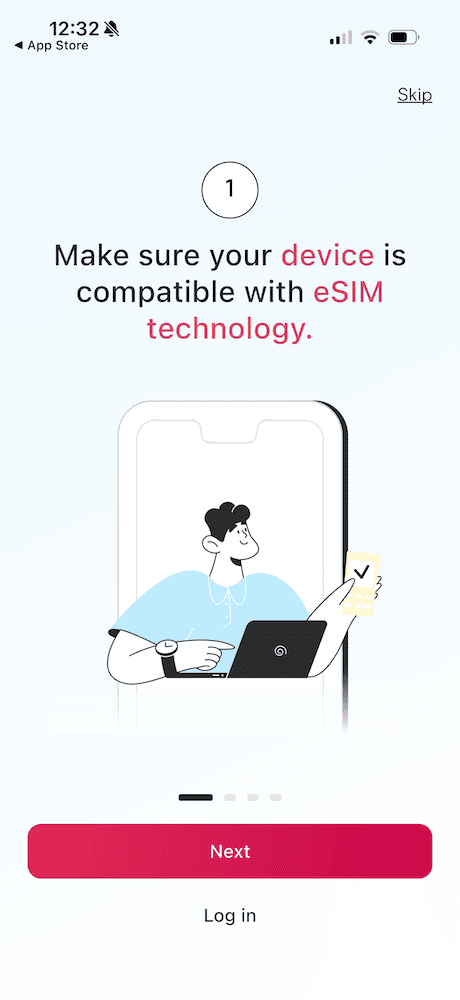

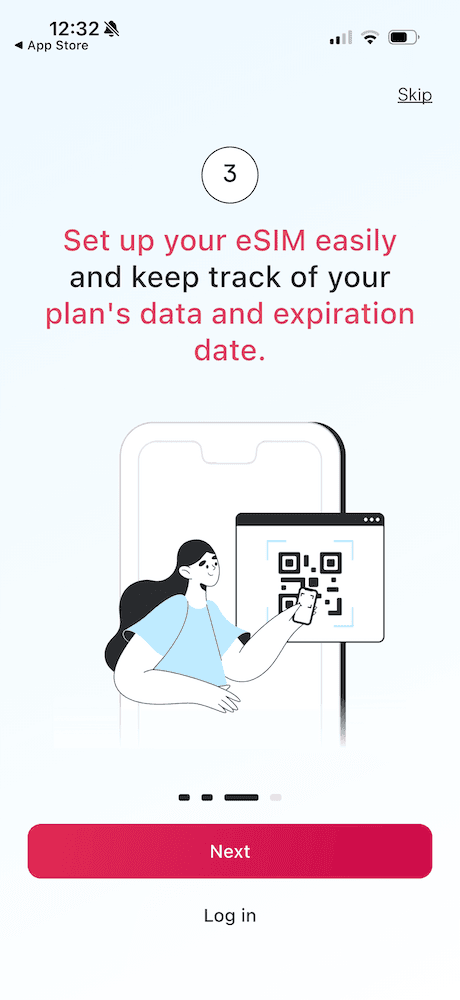
The first step when getting an eSIM is to make sure that your phone is eSIM compatible, thankfully most modern phones are.
To check, you’ll need to look for an EID (Embedded Identity Document) on your device.
- iPhone: Settings > General > About > Scroll to find your EID
- Android: Settings > About phone> look for the EID.
If your phone has an EID, then good news it’s eSIM compatible! So, you can go ahead and move on to the next step.
2. Download the Holafly App
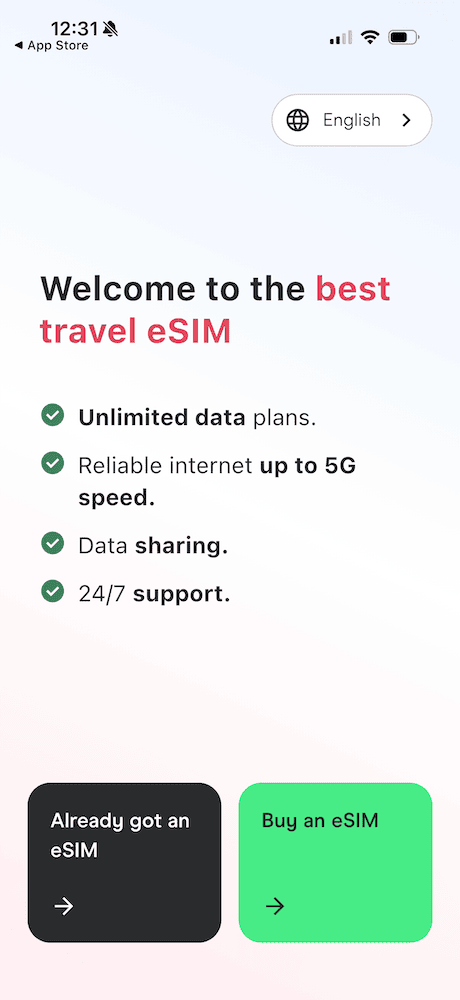

Once you know your phone works with an eSIM, download the HolaflyApp to look for the perfect eSIM.
The Holafly app itself is free, so you don’t have to worry about committing before you’re ready and they have a support team available 24/7 so you that you can travel without the stress.
3. Choose Your eSIM


The Holafly app is super easy to use and makes it very straightforward to purchase your eSIM. It will go through the basics, before taking you to the page where you can explore different eSIM options.
From there, you’ll find the home screen where you can search by:
- A single country
- Regional eSIM (great if you’re visiting a few countries in the same area)
- or a Global Plan that works worldwide
Holafly stands out from the other companies because they offer:
- Coverage in 200+ destinations
- Unlimited data in most locations
- 15+ regional eSIMs and 1 global plan
- Customizable eSIMs based on trip length
- Hotspot capabilities in many destinations
- 24/7 real-person support team
So, once you’ve chosen the country or region and the days you need you simply purchase the eSIM.
Use code LITAOFTHEPACK to get 5% off when you purchase a Holafly eSIM!
3. Install eSIM

After purchasing, install the eSIM right away so that it’s ready to go.
Just make sure data roaming stays off until you land. Holafly has step by step instructions on how to install the eSIM, so it’s easy as 1, 2, 3.
Simply turn on data roaming upon arriving, your eSIM will begin to work, and you’ll be able to check in with your loved ones and let them know you’ve arrived safely!
No hunting for WiFi and no stress.
4. Stay Connected

Having reliable internet while traveling makes things so much easier.
I remember years ago when I lived in Vietnam, eSIMs weren’t an option and I was continually searching for WiFi. I got lost on a number of occasions.
Now, you can easily search for good restaurants, get directions to the best spots, and chat with your loved ones. In 2026, there’s no reason to deal with roaming fees or unreliable service anymore.
👉 Check out the best Holafly eSIMs here and use code LITAOFTHEPACK for 5% off!
Final Tips for Getting Internet While Traveling Abroad

My number one tip: install your eSIM before you leave. Then activate it as soon as you get to your destination. It takes just a few moments and ensures that you’re connected as soon as you land.
Whether you’re exploring Europe, Asia, or the US, you’ll be covered by Holafly. They makes things simple, so that your trip has less complications.
That’s why eSIMs are one of the best solutions for traveling abroad today.
Let me know if you have any questions in the comments!
📍 Pin How to Have Internet While Traveling Abroad in 2026 to Pinterest


